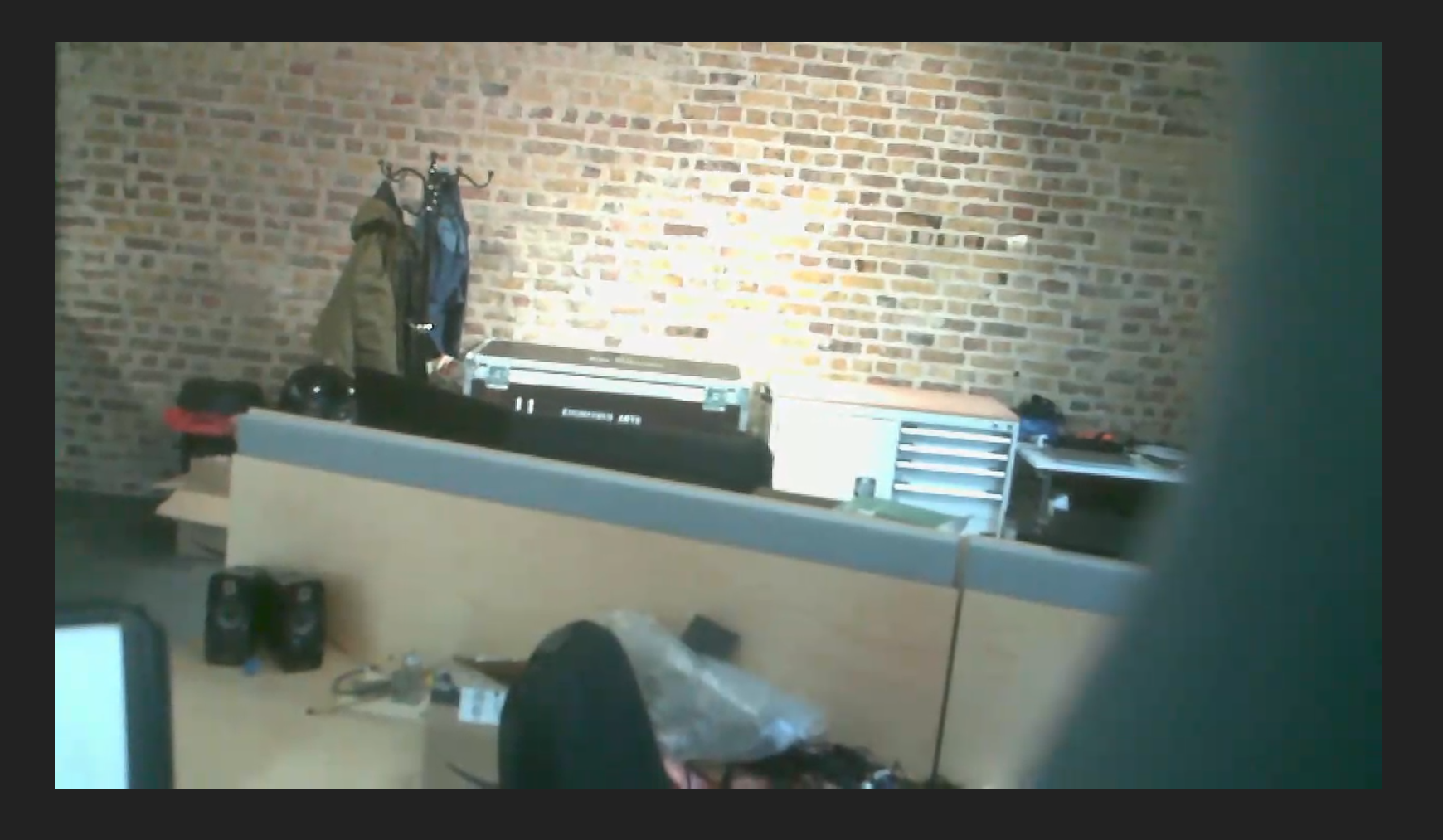
The robot's sensors can be viewed in the sensors page.
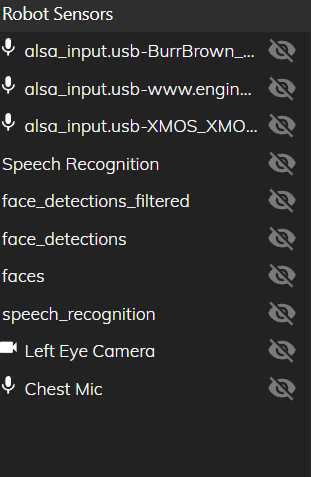
¶ Robot Sensors
The robot sensors section is on the left of the sensors page. The sensor type is displayed to the left of the sensor name, showing either a camera or a microphone. The sensors without logos act as an overlay to a sensor (such as face_detections and a Left Eye Camera). The sensor outputs can be displayed in the center of the page by clicking the eye next to the sensor name.
¶ Sensor display
When selected, the sensors are displayed in the center of the sensors page. The left eye camera view can be displayed.