The Viz page is a 3D Visualization tool for displaying robot and sensor data.
¶ World view
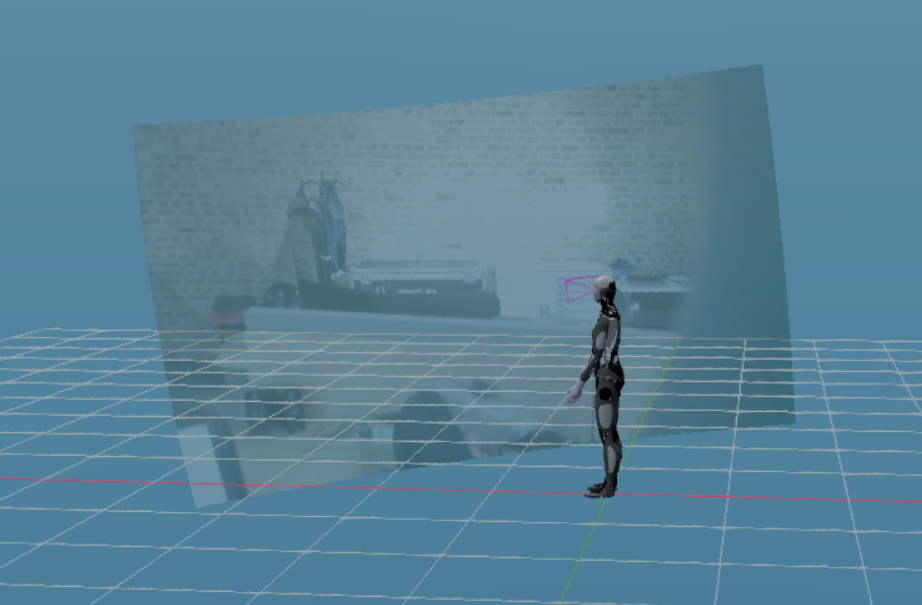
The robot's world view is displayed on the right of the Viz page. This shows the direction it is facing, and its view out of its eye cameras. Perception overlays can be toggled in the assets panel — see Robot perception — Desktop Gen 2 (MD2) or Robot perception — Desktop Gen 3 (MD3). For MD2 developer detail, see Human Behaviour — Perception.
¶ Assets
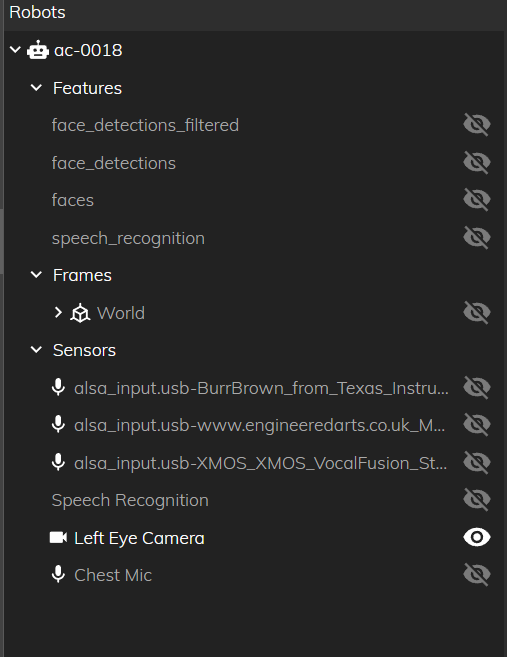
The features displayed in the world view can be toggled in the assets section on the left of the page. Clicking on the eyes ont the right of the panel will toggle the feature on and off.