Supported asset files are:
- Sequences - Files containing movement data that can be replayed using the Sequence Player Node
- Poses - A single set of actuator positions modified in the Poses application.
- Gadgets - 3D models that are used when simulating the robot in the Viz application.
Engineered Arts Ltd typically supplies robots with a library of premade sequences and poses.
Sequences are particulary useful for telepresence operation
¶ Asset List
The asset section on the left of the assets page is a file tree containing the poses and projects stored on the robot. From here the poses and projects can be performed on the robot by clicking the play buttons in the white circles.

The searchbar above the asset tree can be used for quick navigation of the robot's assets.

¶ Adding To Telepresence Wheel
Project files have the option "Add to wheel" (click the empty circle to select), this makes the project accessible via the telepresence wheel.
¶ Properties
Information about a selected asset is shown on the right of the asset page. The information includes: name, type, date of creation, file path and size, date of the last modification and the metadata.
Properties of an asset can differ based on type.
-
Project assets will have their duration and arbitration settings displayed.
¶ Telepresence Properties
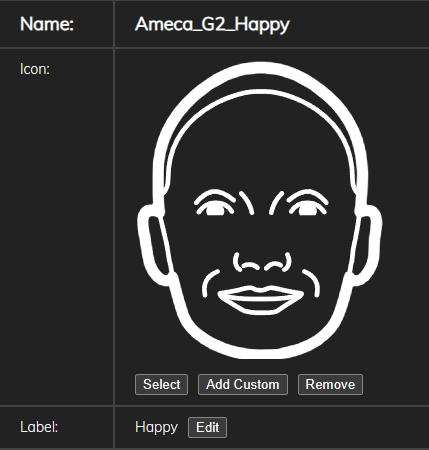
Projects and folders have additional properties for use in telepresence, namely the icon and label.
For icons, users can select from a premade sample, or upload their own.