The system page is available after making a connection to a robot using the Robots tab.
This provides information about the processes and configuration of the connected robot.
There are four tabs within the system page:
¶ Tritium
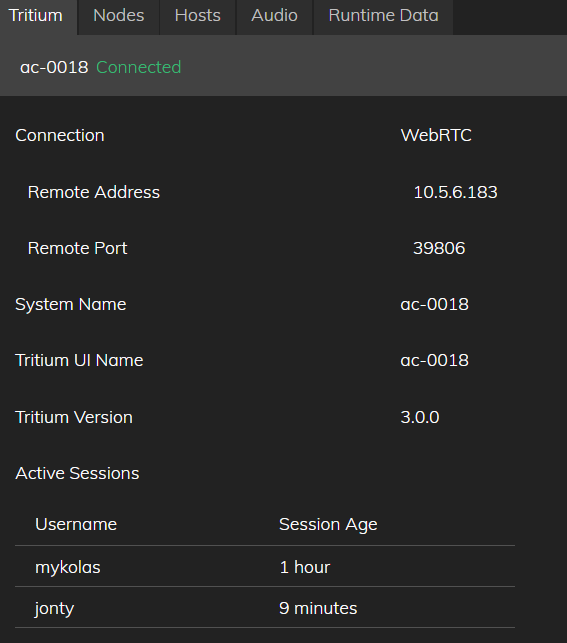
The Tritium tab allows you to monitor and restart the main process. It also gives information about the robot connected and its active sessions.
¶ Nodes
Use the Nodes tab to monitor, stop, and start Tritium nodes on the connected robot. Critical nodes cannot be stopped individually — restart Tritium from the Tritium tab instead.
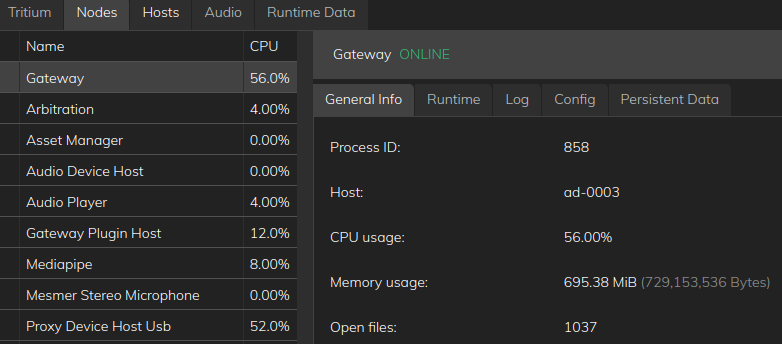
To configure nodes or use the Config, Log, and other sub-tabs, see the developer Nodes guide.
¶ Hosts
The Hosts tab contains information about the host PC, disk space, memory and CPU usage, Host Name, LAN IP Address and software versions.
¶ Audio
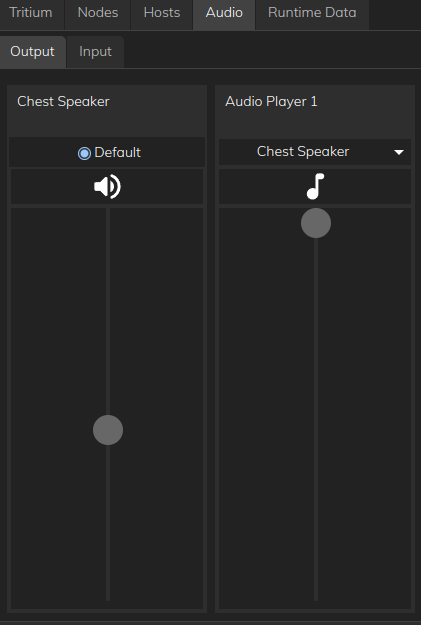
The Audio tab lets you manage speakers and microphones on the connected robot:
- adjusting audio levels (volume of speakers)
- muting audio devices
- selecting default devices (for selecting alternative speakers or microphones)
- listening to audio inputs/outputs
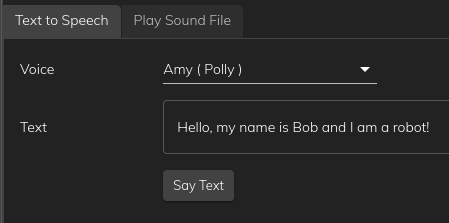
- test text to speech output, the dropdown will display all the voices and their respective engines available to the robot.
For everyday audio setup, see Audio. For external microphones and speakers: External Audio Devices (Gen 2 and full-size); External Audio Devices — Desktop Gen 3 (MD3 / docking station). For scripts and PulseAudio configuration, see the developer audio guide.